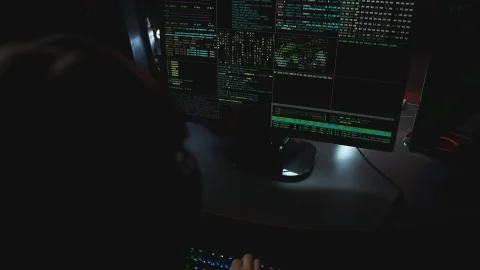

Hackers created a fake L2 network GIWA and tricked users into transferring approximately 767.65 ETH to it, amounting to over $2 million at the time of the theft. The decentralized exchange DYORSWAP, which initially mistook the fake network for a legitimate project, paid out over 200 ETH to the victims from its own funds. According to DYORSWAP, the fraudsters launched a fake bridge on the counterfeit L2 network using the real Chain ID 9134. The fake network was launched on September 26, and confirmation that it was not the real mainnet was published by GIWA on September 27. The scam was detected after the fraudsters withdrew approximately 766.25 ETH (around $2 million) from 1,335 addresses. DYORSWAP emphasized that this was not a contract hack but an attack through fake L2 infrastructure, which the exchange accepted as a legitimate project due to the active Chain ID.
In the GIWA project, developed by Dunamu and focused on Ethereum, it was confirmed that their real mainnet has not yet been launched. "We do not have our mainnet operational at the moment," reported GIWA developers. They added that the information about the mainnet circulating online was false. Additionally, the project emphasized that GIWA does not have its own token—the network uses ETH for gas payments. GIWA intends to compensate affected users from its treasury. DYORSWAP is also providing compensation: for large losses, over 200 ETH has already been distributed, and for smaller losses, a fixed rate of 40% applies.
The investigation is ongoing, and the DYORSWAP and GIWA teams are tracking addresses that received the stolen funds, as well as studying the funding sources and information about the bridge deployer. Separately, the company Truecaller launched Scam Checker—a tool for checking suspicious numbers, web links, and messages. The feature is available on the website and in the Android app, using signals from Truecaller's database of 500 million users to identify potential fraud. Users can paste a suspicious link for phishing checks, verify a number against community warnings, search the Scamfeed database, or describe a suspicious message in text.
Related articles